If the element.genfile fields is presented as a text box control in a form actions have been provided to support the opening of the specified file or running the specified file.
By default the windows associated program will be used, however the user can configure alternative programs by filename extension.
By pressing the "Configure programs" button the user will be presented with a form that displays any current associations.
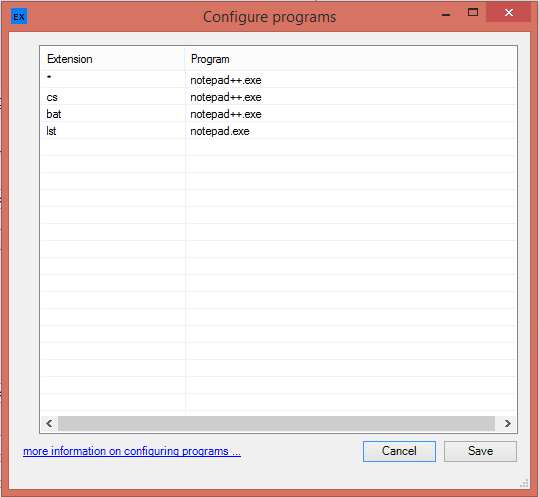
Note the use of a wildcard (*) which will be used if a suitable extension is not supplied.
A user can select an item and right click to be presented with a context menu as below; if no entries simply right click within the list area.
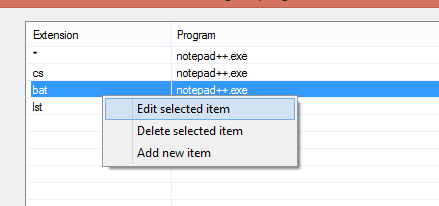
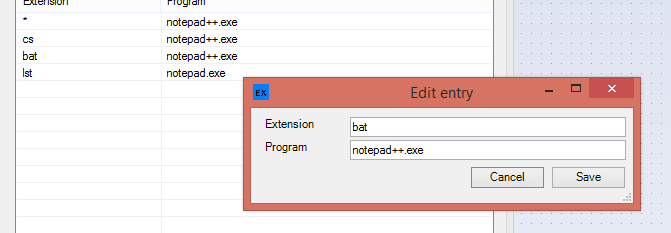
These options allow the user to edit / modify an entry
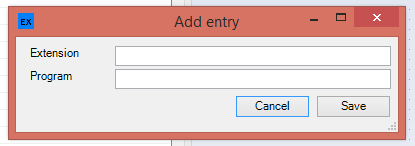
or add a new entry
or delete an entry